
フローは中のステップを所有するブロックです。end キーワードが閉じます。
agentflow-beta TB
flow worker["Worker"]
job["Do the job"]@{ shape: task }
end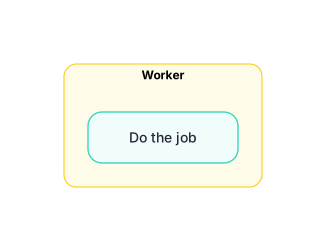 図を拡大
図を拡大shape: のあとの語がそのステップの種類を表します。input、task、tool、decision、action、refdoc の 6 種類です。
agentflow-beta LR
brief["Brief"]@{ shape: input }
draft["Draft copy"]@{ shape: task }
check["spell_check"]@{ shape: tool }
guide["Style guide"]@{ shape: refdoc }
ship["Publish"]@{ shape: action }
ok["Ready?"]@{ shape: decision }
brief --> draft --> check --> ship
ok --> ship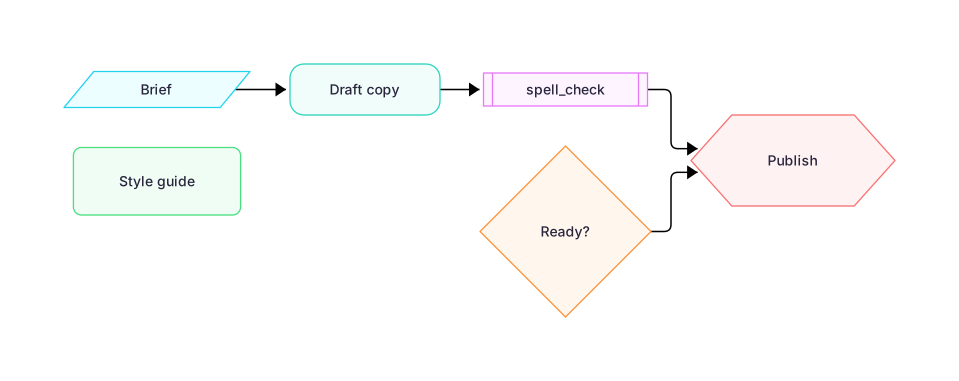 図を拡大
図を拡大ラベルつきの矢印は理由を表します。× は再試行、点線は読みに行く対象を指します。
agentflow-beta TB
check["Tests pass?"]@{ shape: decision }
ship["Ship it"]@{ shape: action }
fix["Fix the build"]@{ shape: task }
logs["Build logs"]@{ shape: refdoc }
check -- yes --> ship
check -- no --> fix
fix --x check
fix -.- logs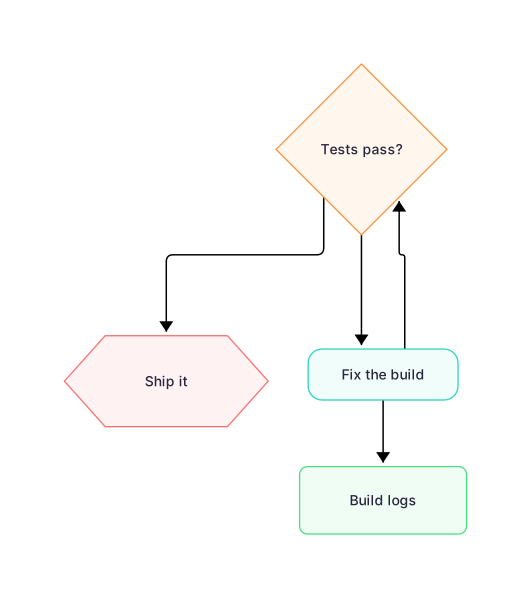 図を拡大
図を拡大フローの中に別のフローを置けます。中にあるものはサブエージェントです。
agentflow-beta TB
flow team["Content Team"]
flow researcher["Researcher"]
gather["Gather sources"]@{ shape: task }
end
flow writer["Writer"]
compose["Compose draft"]@{ shape: task }
end
researcher --> writer
end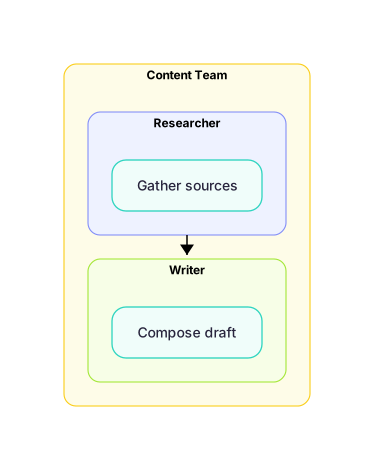 図を拡大
図を拡大