
跳到正文
Mernyx
打开菜单

Mermaid 时间线速查表

一侧是时期,旁边是事件。

这个页面上的每一张图都由Mernyx——macOS 上的原生 Mermaid 编辑器绘制。不是浏览器里跑的 Mermaid.js,而是 App 画布用的同一个渲染器。

时期与事件

一行是一个时期、一个冒号,以及这段时期里发生的事。标题单独占一行。

timeline
    title History of the platform
    2002 : LinkedIn
    2004 : Facebook
    2005 : YouTube
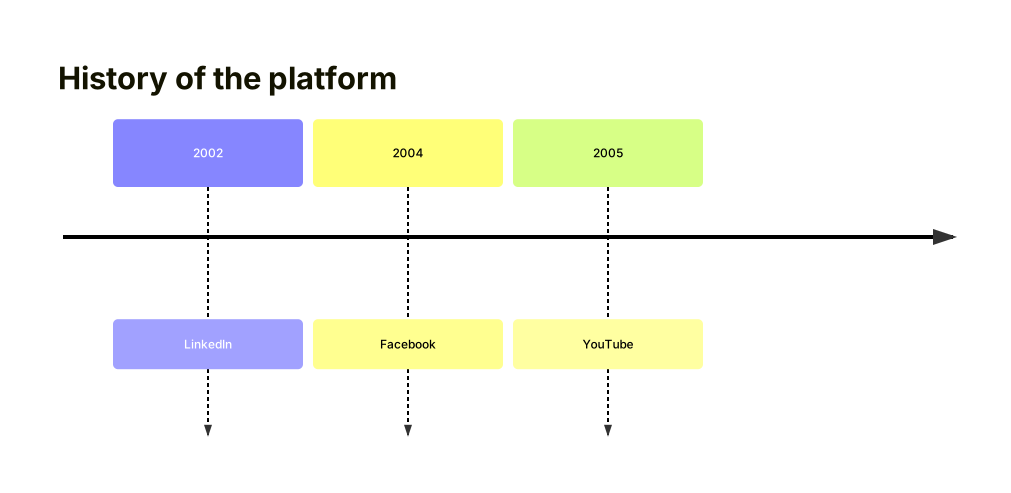
一条标题为 History of the platform 的时间线,并排三行:2002 LinkedIn、2004 Facebook、2005 YouTube。放大图表

一个时期里两件事

再加一个冒号,就是给同一个时期加第二件事。

timeline
    2004 : Facebook : Google
    2005 : YouTube
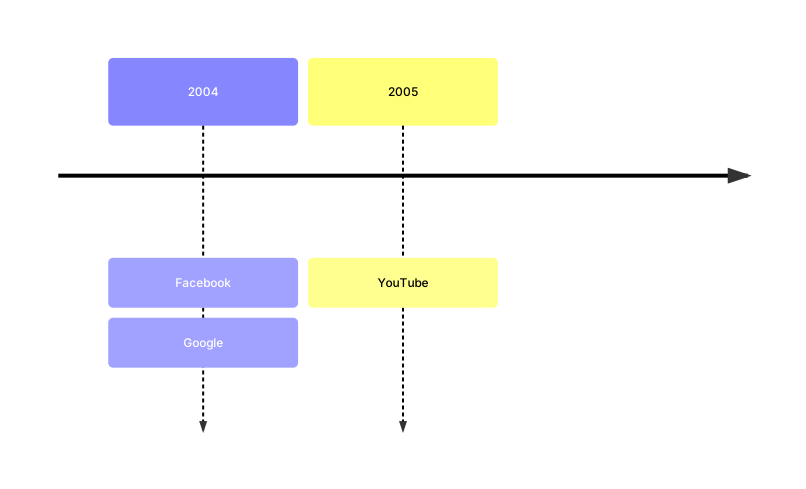
一条两行的时间线:2004 装着 Facebook 和 Google,2005 装着 YouTube。放大图表

归成小节

一个小节把它下面的行归在一起。在小节里面,第一个词是时期,其余是发生的事。

timeline
    title Release plan
    section Build
        Compile : Builds the app
        Test : Runs the suite
    section Ship
        Launch : Publishes the release
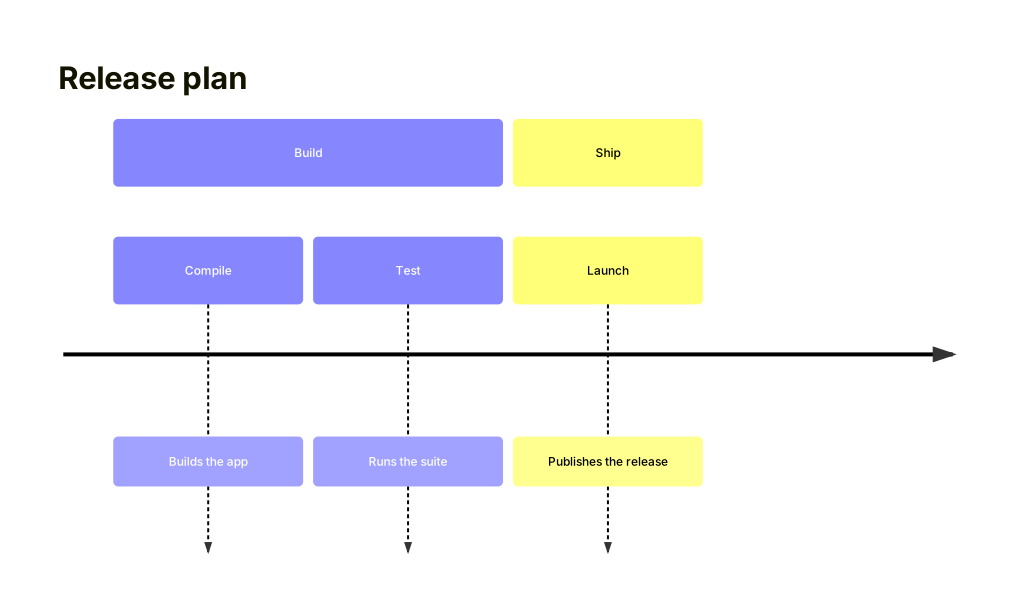
一条标题为 Release plan 的时间线,分成 Build 小节(Compile 和 Test)和 Ship 小节(Launch)。放大图表

在 Mernyx 里画出来

打开一个 .mmd 文件,在画布上挪一个节点,源码跟着走。macOS 原生,不经过浏览器。

图表预览