
Skip to content
Mernyx
Open menu

Mermaid Timeline Cheat Sheet

Periods down one side, events beside them.

Every picture on this page was drawn byMernyx, the native Mermaid editor for macOS. Not by a browser running Mermaid.js — the same renderer the app uses for its canvas.

Periods and events

A line is a period, a colon, and what happened in it. The title goes on its own line.

timeline
    title History of the platform
    2002 : LinkedIn
    2004 : Facebook
    2005 : YouTube
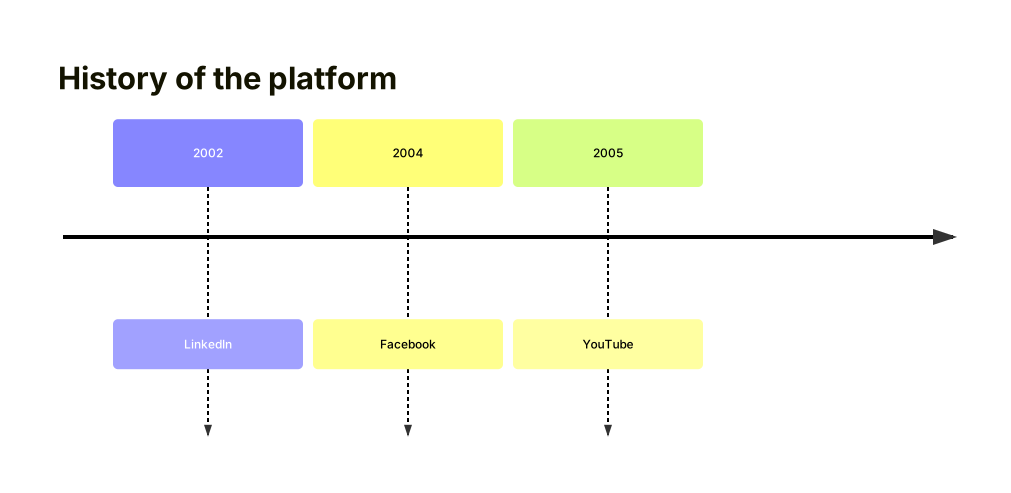
A timeline titled History of the platform, with three entries in a row: 2002 LinkedIn, 2004 Facebook, 2005 YouTube.Expand diagram

Two events in one period

A second colon adds a second event to the same period.

timeline
    2004 : Facebook : Google
    2005 : YouTube
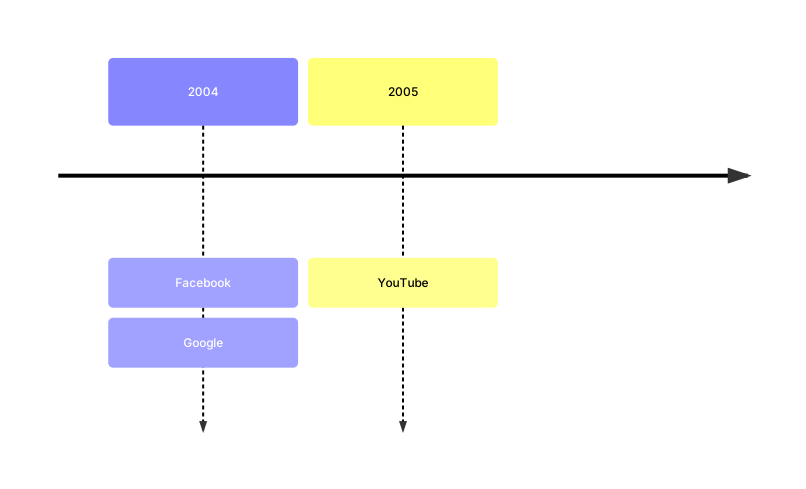
A timeline with two rows: 2004 holding Facebook and Google, and 2005 holding YouTube.Expand diagram

Grouping into sections

A section groups the lines under it. Inside one, the first word is the period and the rest is what happened.

timeline
    title Release plan
    section Build
        Compile : Builds the app
        Test : Runs the suite
    section Ship
        Launch : Publishes the release
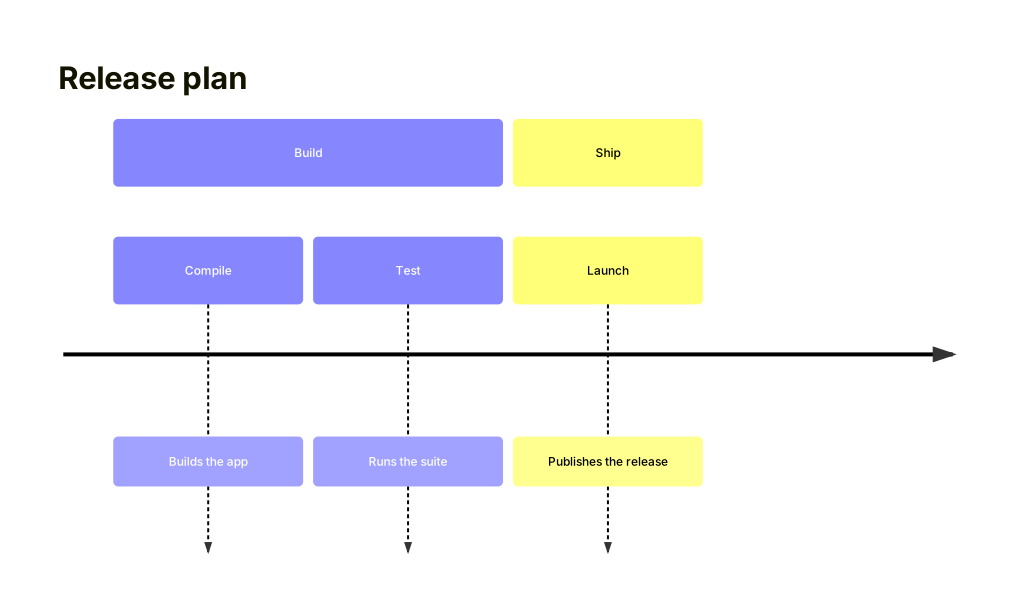
A timeline titled Release plan, split into a Build section with Compile and Test, and a Ship section with Launch.Expand diagram

Draw it in Mernyx.

Open a .mmd file, move a node on the canvas, and the source comes with it. Native on macOS, no browser involved.

Diagram preview