
Skip to content
Mernyx
Open menu

Mermaid Venn Diagram Cheat Sheet

Overlapping sets, and the regions they share.

Every picture on this page was drawn byMernyx, the native Mermaid editor for macOS. Not by a browser running Mermaid.js — the same renderer the app uses for its canvas.

The sets

A set is a name, and a label in brackets. A set with no label is drawn but not named.

venn-beta
  title Capability overlap
  set Core["Core renderer"]
  set Host["Host theme"]
  set Theme["Theme tokens"]
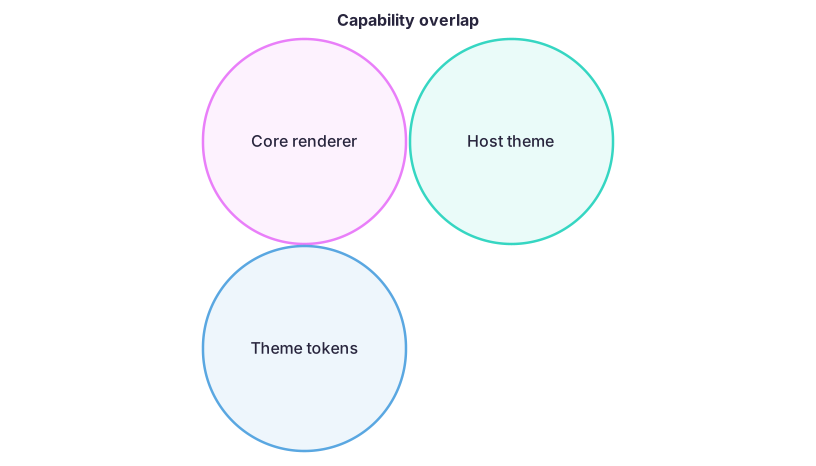
A Venn diagram of three overlapping circles labelled Core renderer, Host theme and Theme tokens.Expand diagram

The region they share

union names the overlap of two sets, or of three.

venn-beta
  title Capability overlap
  set Core["Core renderer"]
  set Host["Host theme"]
  union Core,Host["Shared surface"]
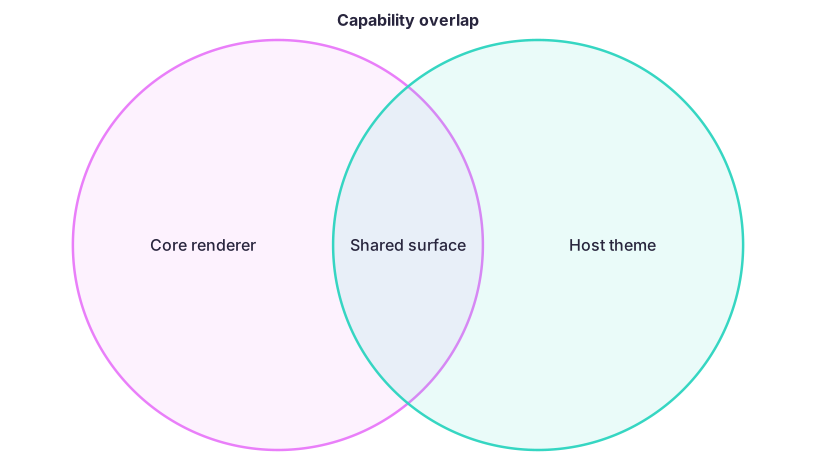
A Venn diagram of two overlapping circles, Core renderer and Host theme, with the overlap labelled Shared surface.Expand diagram

The values behind them

A number after the set is its value, and the same number after a union is the value of the overlap.

venn-beta
  set Core["Core renderer"]:10
  set Host["Host theme"]:8
  union Core,Host["Shared surface"]:3
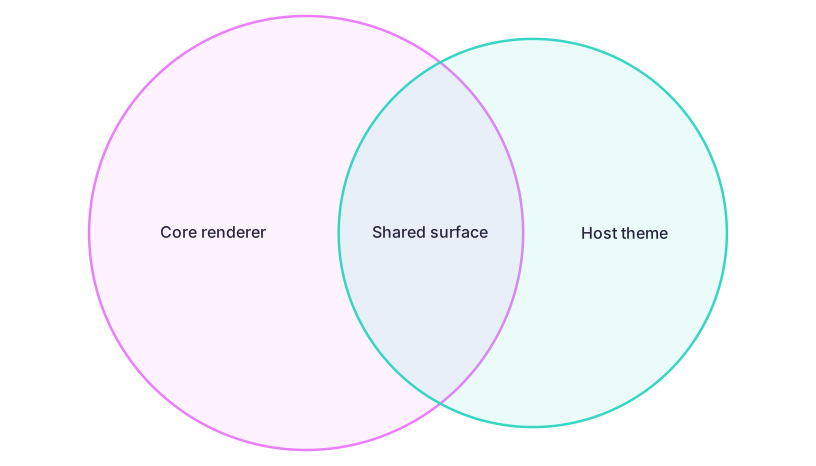
A Venn diagram of two overlapping circles, Core renderer and Host theme, with the overlap labelled Shared surface, all three carrying numbers.Expand diagram

Draw it in Mernyx.

Open a .mmd file, move a node on the canvas, and the source comes with it. Native on macOS, no browser involved.

Diagram preview