
C4Context is the widest view: the people and the systems around it. Rel joins two of them, with the verb in the middle.
C4Context
title System context for the banking app
Person(customerA, "Banking customer", "A customer of the bank.")
System(SystemAA, "Internet banking", "Allows customers to see accounts and pay bills.")
Rel(customerA, SystemAA, "Uses", "HTTPS")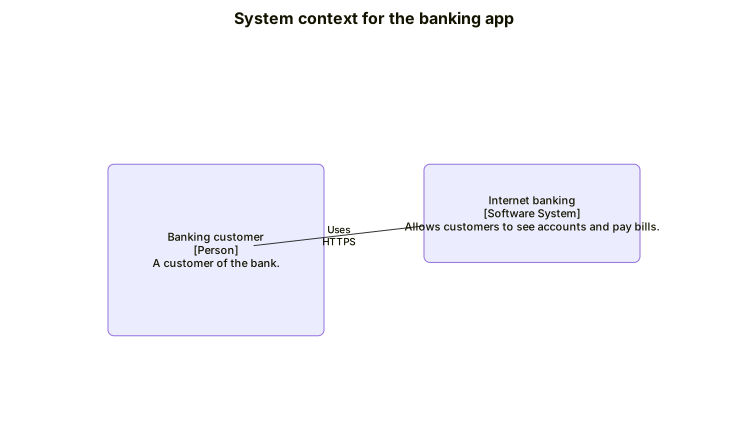 Expand diagram
C4Container is the next zoom in. A System_Boundary is the box the containers live in.
C4Container
title Container diagram for the banking app
Person(customerA, "Banking customer")
System_Boundary(b1, "Internet banking") {
System(SystemA, "Banking system", "Handles accounts and payments.")
SystemDb(SystemD, "Database", "Stores accounts and payments.")
}
Rel(customerA, SystemA, "Uses", "HTTPS")
Rel(SystemA, SystemD, "Reads and writes")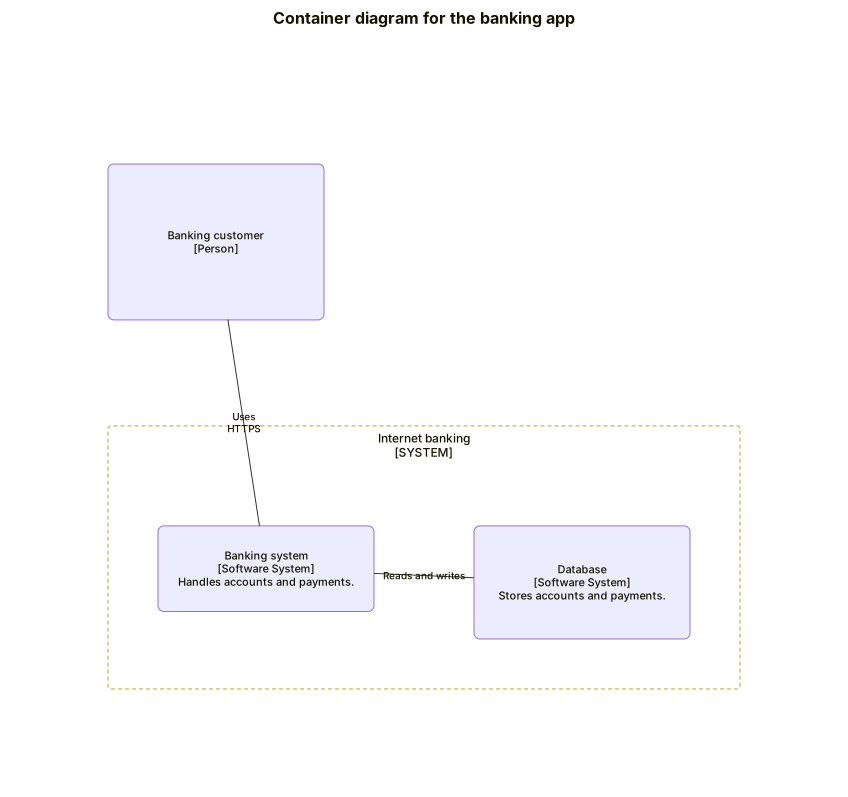 Expand diagram
An Enterprise_Boundary groups people and systems under one organisation.
C4Context
title Enterprise boundary
Enterprise_Boundary(b0, "Bank") {
Person(customerA, "Customer")
System(SystemAA, "Internet banking")
}
Rel(customerA, SystemAA, "Uses")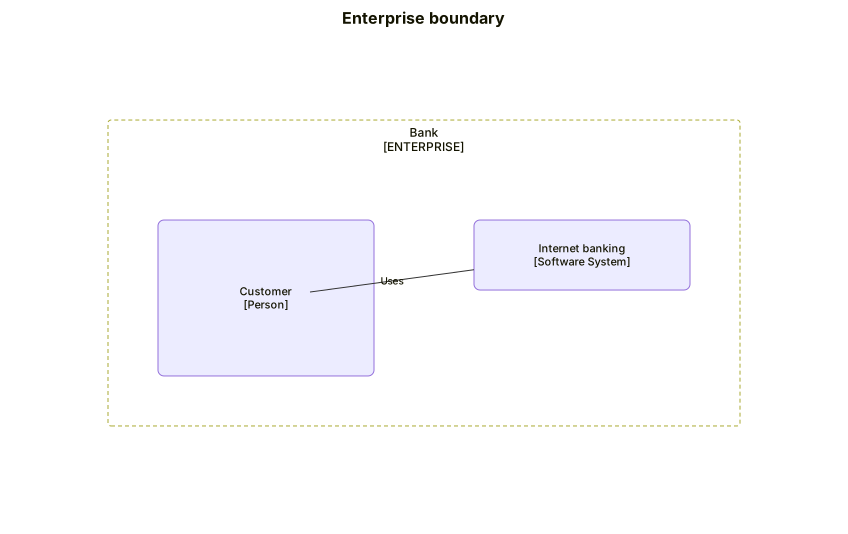 Expand diagram