
C4Context はもっとも広いビューで、周囲の人とシステムです。Rel はその 2 つを結び、動詞は中央に書きます。
C4Context
title System context for the banking app
Person(customerA, "Banking customer", "A customer of the bank.")
System(SystemAA, "Internet banking", "Allows customers to see accounts and pay bills.")
Rel(customerA, SystemAA, "Uses", "HTTPS")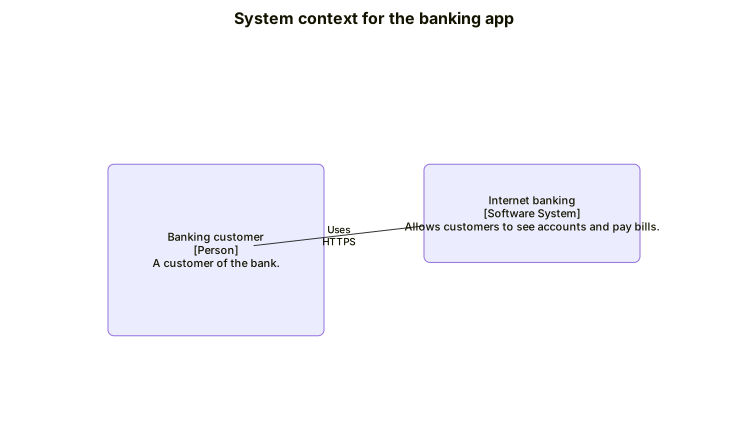 図を拡大
図を拡大C4Container はひとつ大きな粒度で見た図です。System_Boundary はコンテナが入る箱です。
C4Container
title Container diagram for the banking app
Person(customerA, "Banking customer")
System_Boundary(b1, "Internet banking") {
System(SystemA, "Banking system", "Handles accounts and payments.")
SystemDb(SystemD, "Database", "Stores accounts and payments.")
}
Rel(customerA, SystemA, "Uses", "HTTPS")
Rel(SystemA, SystemD, "Reads and writes")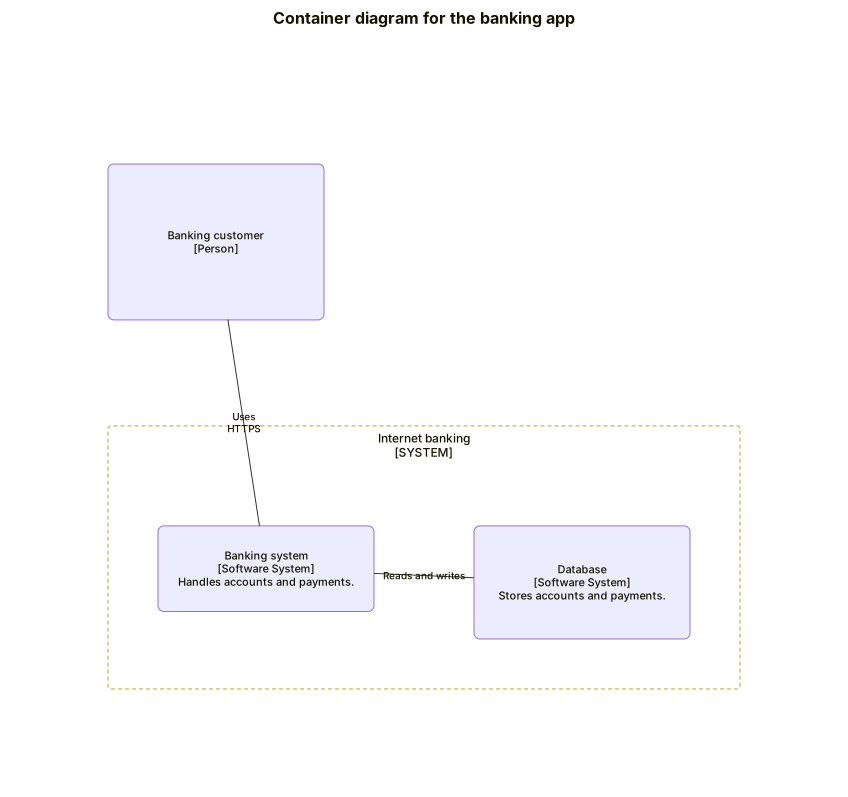 図を拡大
図を拡大Enterprise_Boundary は、人とシステムを 1 つの組織の下にまとめます。
C4Context
title Enterprise boundary
Enterprise_Boundary(b0, "Bank") {
Person(customerA, "Customer")
System(SystemAA, "Internet banking")
}
Rel(customerA, SystemAA, "Uses")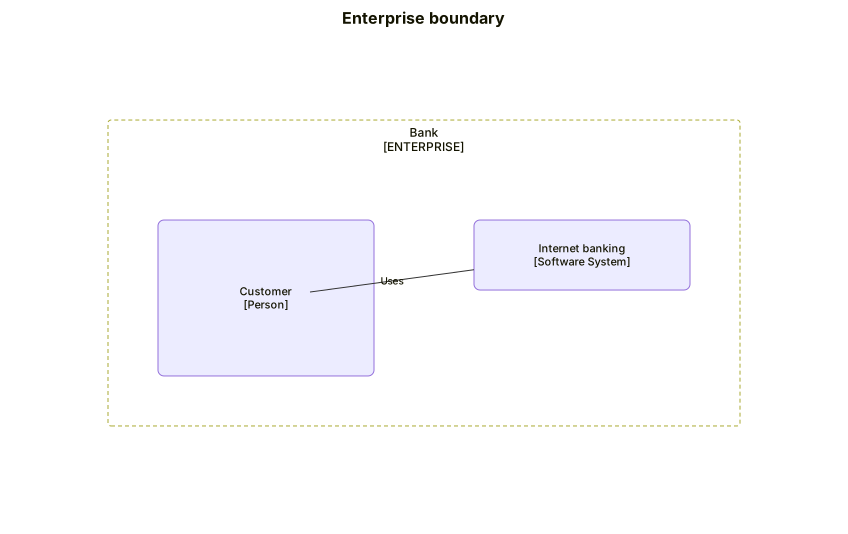 図を拡大
図を拡大