
Skip to content
Mernyx
Open menu

Mermaid Wardley Map Cheat Sheet

Where a component sits on visibility and on evolution.

Every picture on this page was drawn byMernyx, the native Mermaid editor for macOS. Not by a browser running Mermaid.js — the same renderer the app uses for its canvas.

Placing a component

A component is a name and two numbers: how visible it is, and how evolved it is.

wardley-beta
    title Tea shop
    anchor Business [0.95, 0.63]
    component Tea [0.63, 0.81]
    component Kettle [0.43, 0.35]
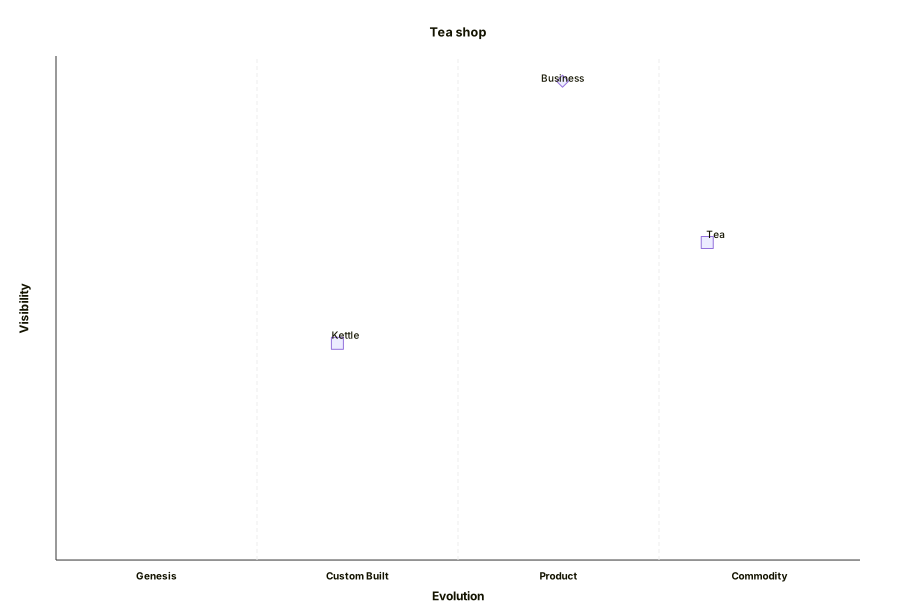
A Wardley map with Tea shop in the title, an anchor called Business near the top right, and Tea and Kettle placed on the grid.Expand diagram

An arrow points from the thing that needs the other to the thing it needs.

wardley-beta
    title Tea shop
    anchor Business [0.95, 0.63]
    component Cup of Tea [0.79, 0.61]
    component Tea [0.63, 0.81]
    Business -> Cup of Tea
    Cup of Tea -> Tea
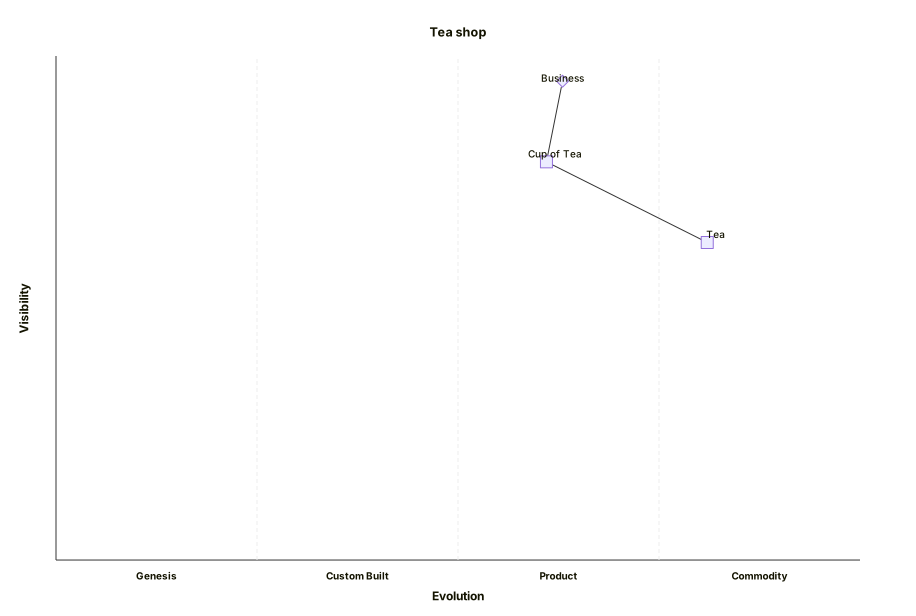
A Wardley map with Business, Cup of Tea and Tea on the grid, the first pointing at the second and the second at the third.Expand diagram

Moving a component

evolve slides a component along the evolution axis without rewriting the whole map.

wardley-beta
    title Tea shop
    component Kettle [0.43, 0.35]
    component Power [0.10, 0.70]
    Kettle -> Power
    evolve Kettle 0.62
    evolve Power 0.89
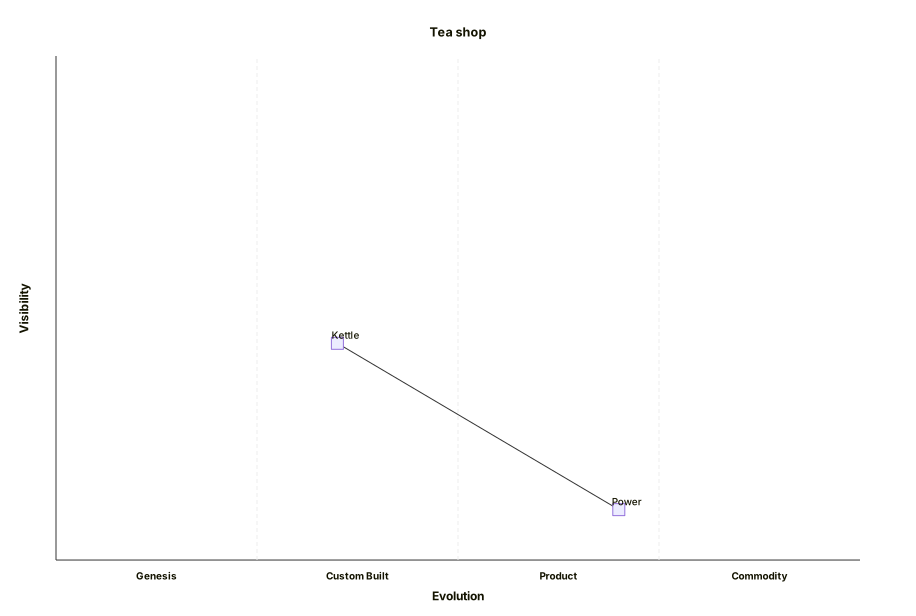
A Wardley map with Kettle and Power on the grid, Kettle moved further right and Power moved to the far right.Expand diagram

Draw it in Mernyx.

Open a .mmd file, move a node on the canvas, and the source comes with it. Native on macOS, no browser involved.

Diagram preview