
The first line picks the flow: TD and TB are the same, LR and RL run sideways.
flowchart LR
A[Start] --> B[Middle] --> C[End]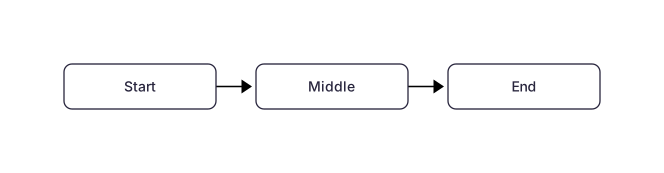 Expand diagram
The brackets you type are the shape you get. These are the five Mernyx draws as everyday boxes.
flowchart LR
A[Rectangle] --> B(Rounded)
B --> C([Stadium])
C --> D[[Subroutine]]
D --> E[(Database)] Expand diagram
The rest of the everyday set: circles, the decision diamond, the hexagon and the slanted one.
flowchart LR
A((Circle)) --> B(((Double circle)))
B --> C{Diamond}
C --> D{{Hexagon}}
D --> E>Asymmetric]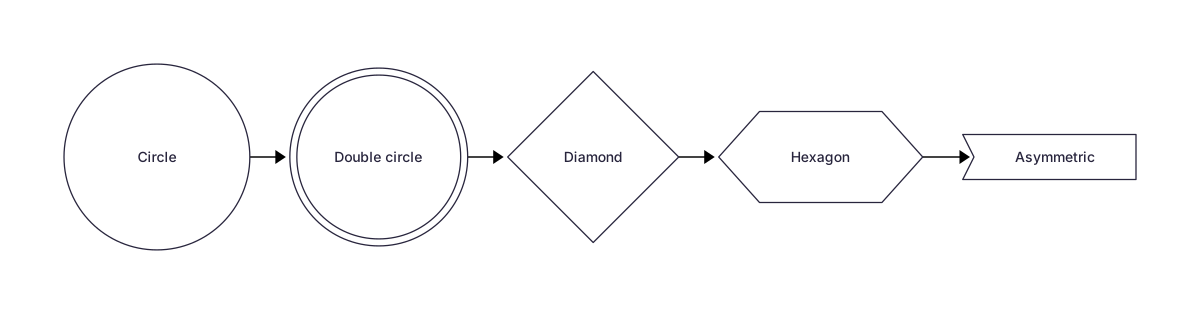 Expand diagram
Parallelograms and trapezoids. The slashes lean the shape; backslashes lean the other way.
flowchart LR
A[/Parallelogram/] --> B[\Alternate\]
B --> C[/Trapezoid\]
C --> D[\Inverted/] Expand diagram
Four ways to connect two nodes: solid, dotted, open and thick.
flowchart LR
A[Solid] --> B[Target]
A -.-> C[Dotted]
A --- D[Open]
A ==> E[Thick]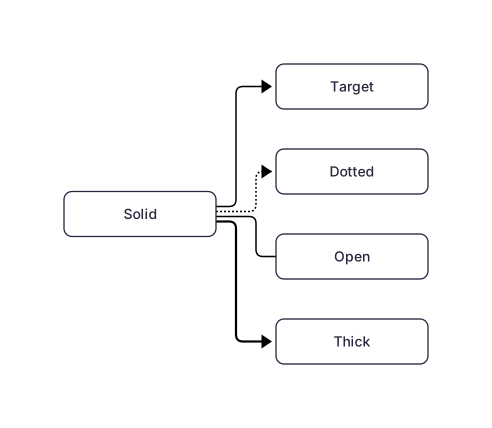 Expand diagram
Two spellings. The pipe form reads better on long labels.
flowchart LR
A[Start] -->|Yes| B[Continue]
A -- No --> C[Stop]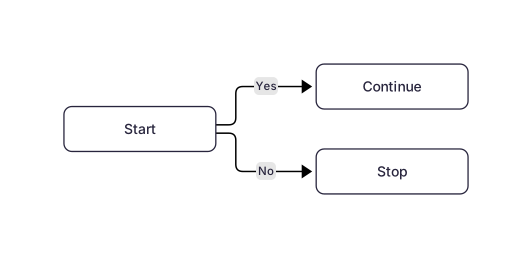 Expand diagram
Nodes can be chained in one line, and extra dashes push a node further away.
flowchart LR
A[One] --> B[Two] --> C[Three]
B ----> D[Further away]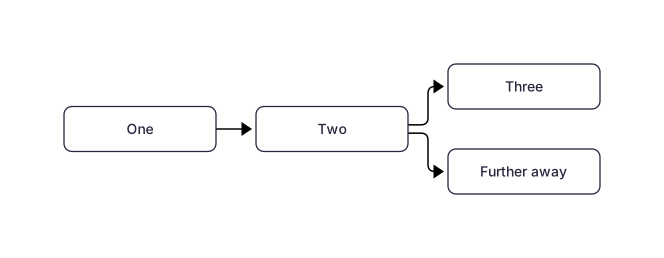 Expand diagram
A subgraph is a labelled box around the nodes indented inside it.
flowchart TB
subgraph Backend
API[API] --> DB[(Database)]
end
subgraph Frontend
UI[UI] --> API
end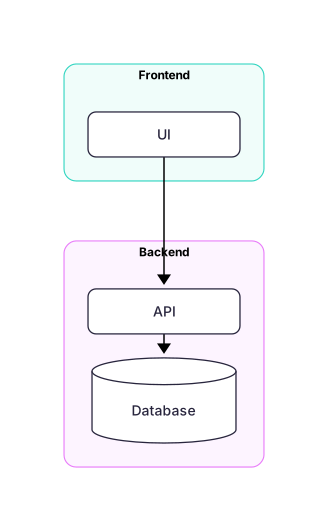 Expand diagram
style changes one node; classDef names a style you can reuse.
flowchart LR
A[Normal] --> B[Highlighted]
style B fill:#ee421d,color:#ffffff,stroke:#b32c0c
classDef quiet fill:#f0f0f3,stroke:#d4d4d8
class A quiet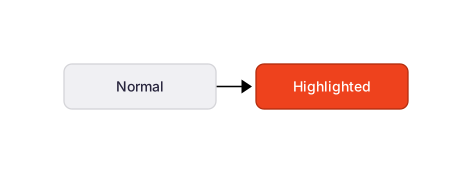 Expand diagram
Wrap the label in backticks and the text can be bold, italic or code.
flowchart LR
A["`**Bold** text`"]
B["``inline code``"]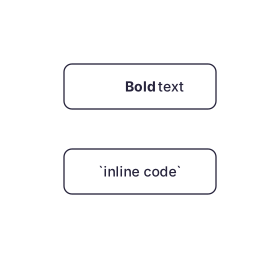 Expand diagram
Font Awesome Free, spelled the Mermaid way: the name goes in the label and Mernyx draws the glyph. An icon it does not recognise leaves a gap the width of one icon instead of failing the diagram.
flowchart LR
A([fa:fa-user User]) --> B([fa:fa-server Server])
B --> C([fa:fa-database Database])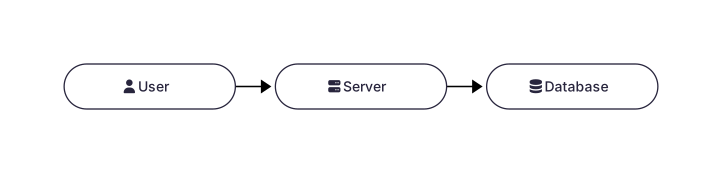 Expand diagram