
A transition is an arrow. A colon after the arrow is the event that causes it.
stateDiagram-v2
[*] --> Idle
Idle --> Running : start
Running --> Idle : stop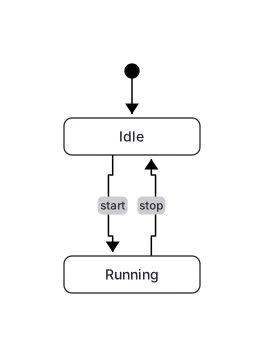 Expand diagram
The same [*] marker does both: the arrow into it is the end, the arrow out of it is the start.
stateDiagram-v2
[*] --> Draft
Draft --> Published
Published --> [*]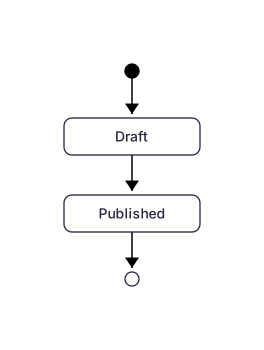 Expand diagram
A diamond that asks a question. Each outgoing arrow is one answer.
stateDiagram-v2
[*] --> Check
Check --> Decide <<choice>>
Decide --> Accepted : if valid
Decide --> Rejected : if invalid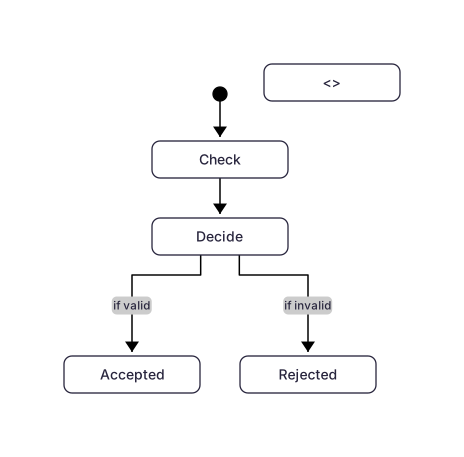 Expand diagram
Curly braces open a composite state. Its internal states live inside.
stateDiagram-v2
[*] --> Active
state Active {
[*] --> NumLockOff
NumLockOff --> NumLockOn : press
NumLockOn --> NumLockOff : press
}
Active --> [*]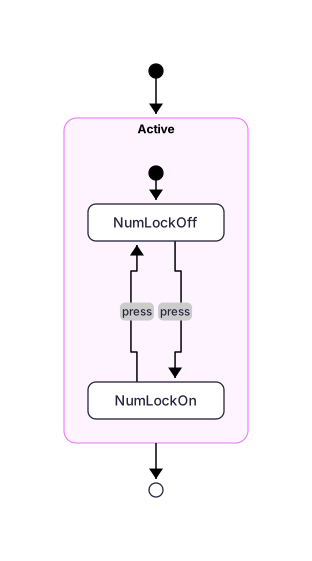 Expand diagram
A fork splits the flow, a join waits for every branch to arrive.
stateDiagram-v2
[*] --> Split <<fork>>
Split --> A
Split --> B
A --> Merge <<join>>
B --> Merge
Merge --> [*]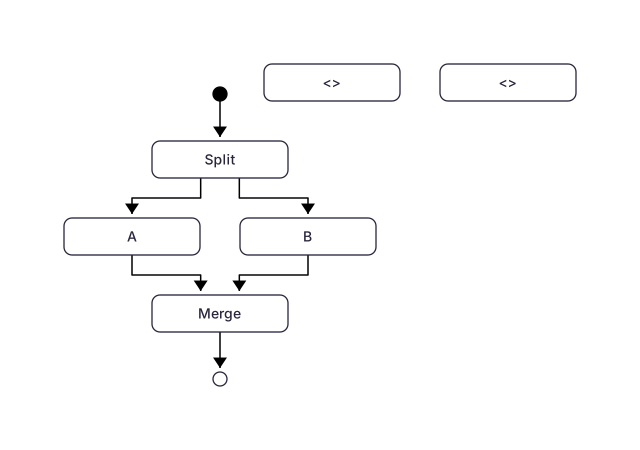 Expand diagram
A note attaches to one state, or floats over two.
stateDiagram-v2
[*] --> Draft
Draft --> Review
note right of Draft
Still editable
end note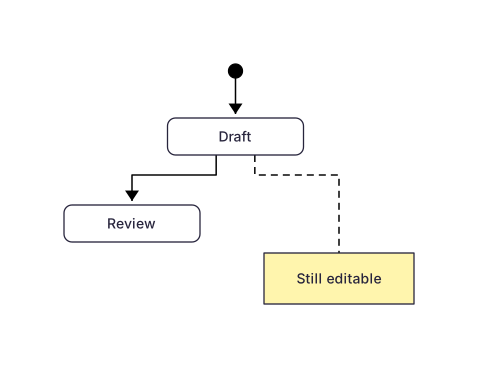 Expand diagram
The same keyword as flowcharts. Default is top to bottom.
stateDiagram-v2
direction LR
[*] --> Idle
Idle --> Running : start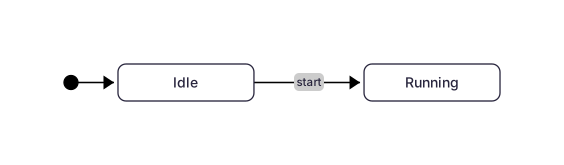 Expand diagram