
The parentheses pick the icon, the brackets pick the label, and the id is what the other lines point at.
architecture-beta
service web(server)[Web app]
service db(database)[Database]
service cache(disk)[Cache]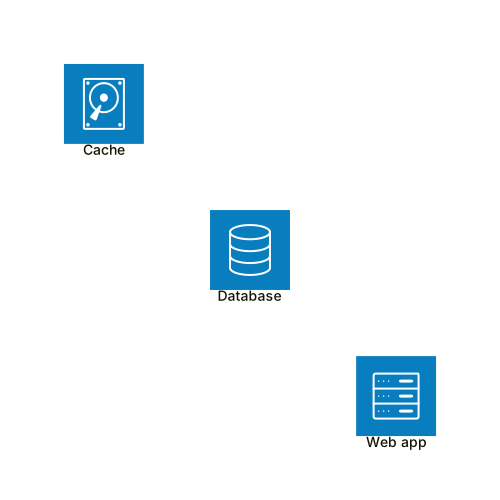 Expand diagram
A group is a box that holds services. The in keyword puts a service inside one.
architecture-beta
group api(cloud)[API]
service web(server)[Web] in api
service db(database)[DB] in api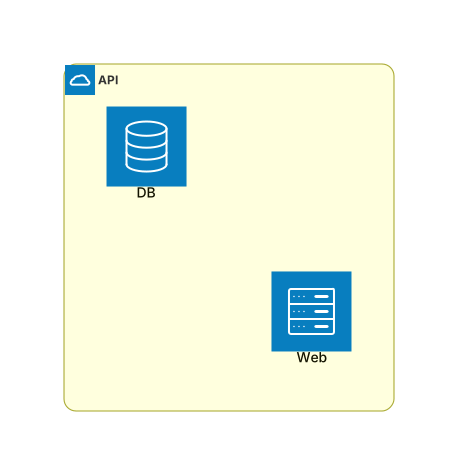 Expand diagram
The letter before the colon says which side the edge leaves from, and the one after says which side it arrives at.
architecture-beta
service a(server)[Service A]
service b(server)[Service B]
service c(server)[Service C]
a:R --> L:b
a:B --> T:c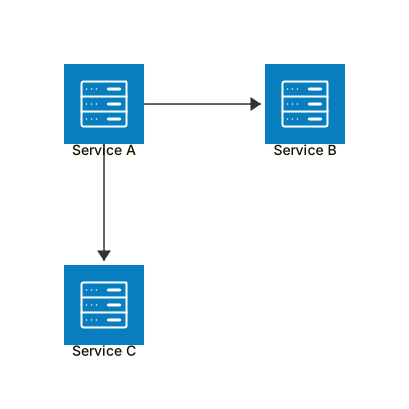 Expand diagram
A junction is a dot several edges meet at. It is drawn without a box of its own.
architecture-beta
service a(server)[Service A]
service b(server)[Service B]
junction hub
a:R -- L:hub
hub:R -- L:b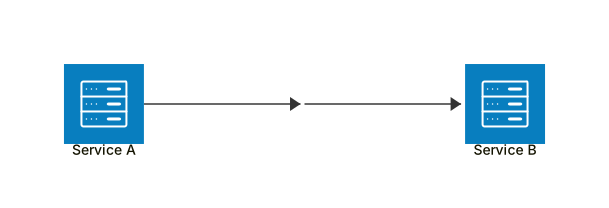 Expand diagram