
Skip to content
Mernyx
Open menu

Mermaid Radar Chart Cheat Sheet

One axis per measure, one curve per thing being compared.

Every picture on this page was drawn byMernyx, the native Mermaid editor for macOS. Not by a browser running Mermaid.js — the same renderer the app uses for its canvas.

The axes

One axis per measure, comma separated.

radar-beta
  axis Speed, Quality, Cost
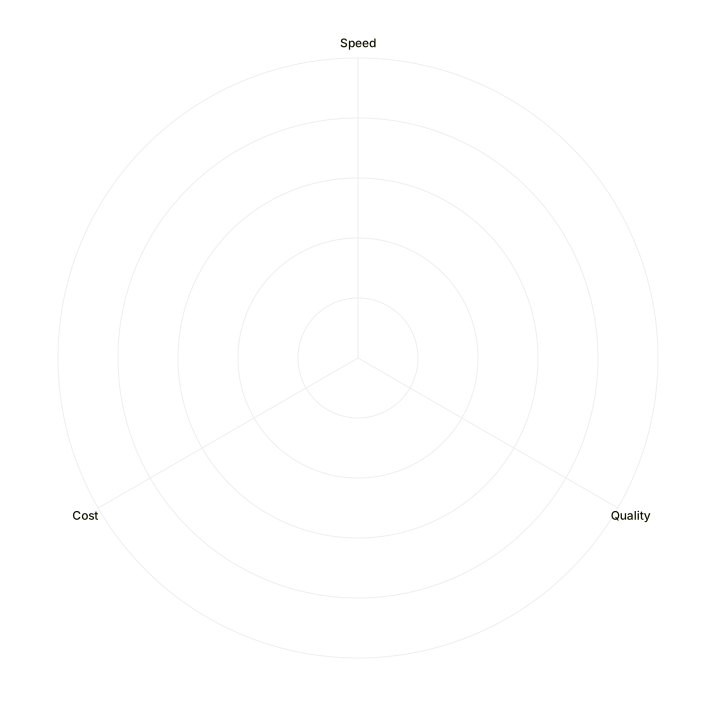
A radar chart with three spokes, labelled Speed, Quality and Cost.Expand diagram

One curve

A curve is a name and a value per axis, in the order the axes were declared.

radar-beta
  axis Speed, Quality
  curve Alpha {3,4}
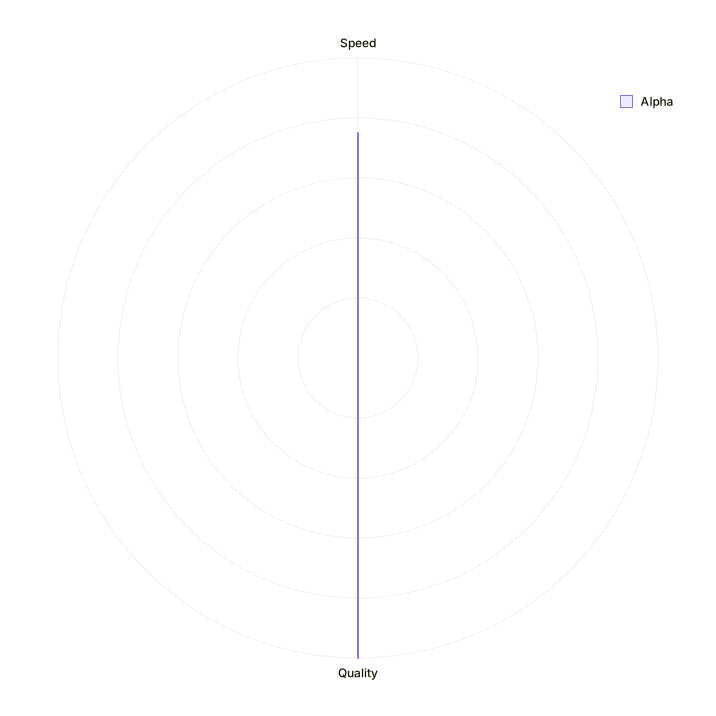
A radar chart with two spokes, Speed and Quality, and a single curve labelled Alpha drawn across them.Expand diagram

Comparing two things

A second curve is a second line. The curves are what the chart compares.

radar-beta
  axis Speed, Quality, Cost
  curve Alpha {3,4,2}
  curve Beta {4,2,3}
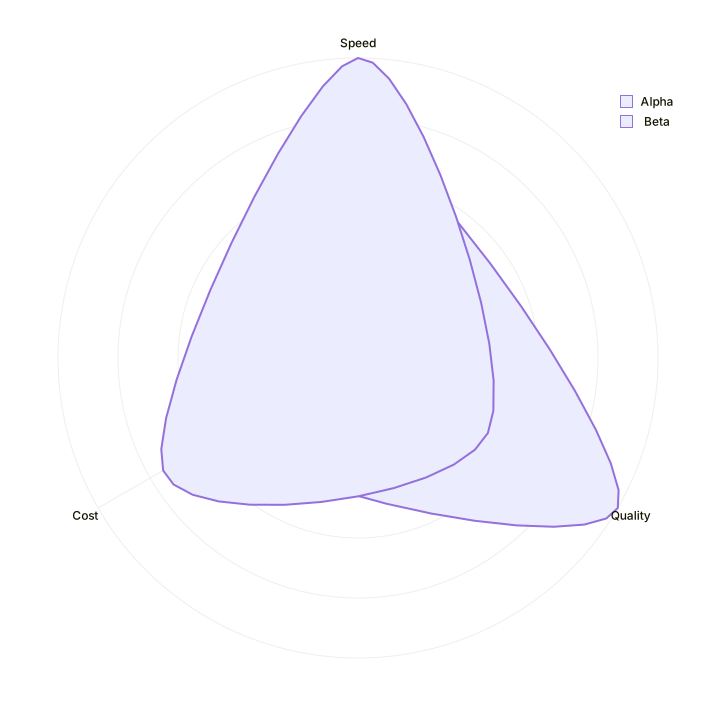
A radar chart with three spokes and two curves drawn across them, labelled Alpha and Beta.Expand diagram

Adding a title

The title goes on its own line, above the axes.

radar-beta
  title Product comparison
  axis Speed, Quality
  curve Alpha {3,4}
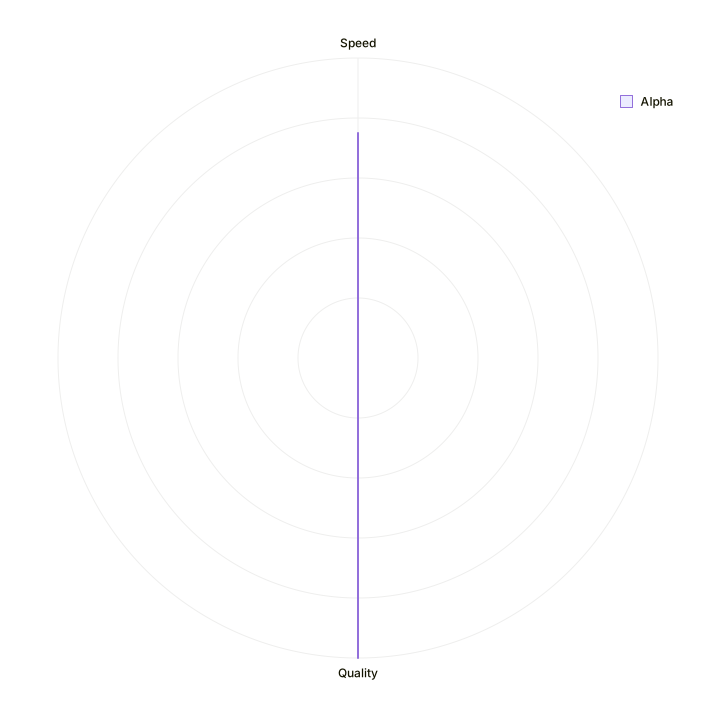
A radar chart titled Product comparison, with two spokes and one curve labelled Alpha.Expand diagram

Draw it in Mernyx.

Open a .mmd file, move a node on the canvas, and the source comes with it. Native on macOS, no browser involved.

Diagram preview