
An actor is a name, a use case is a name in parentheses. An arrow says the actor takes part.
usecase-beta
actor Customer
actor Support
Customer --> Checkout
Support --> Track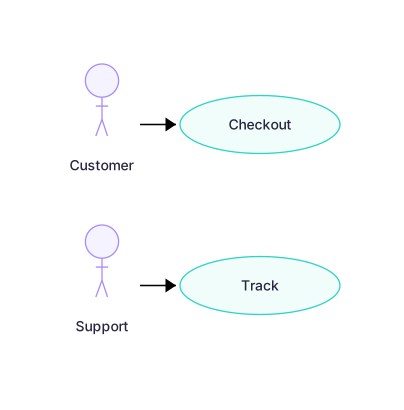 Expand diagram
Everything between systemBoundary and end belongs to the system. The use cases outside it do not.
usecase-beta
actor Customer
systemBoundary Storefront
Browse("Browse catalogue")
Checkout("Checkout")
end
Customer --> Browse
Customer --> Checkout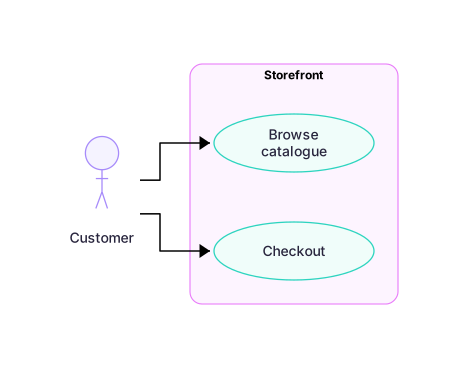 Expand diagram
A dotted arrow with a word after the colon says one use case uses another.
usecase-beta
actor Customer
systemBoundary Storefront
Browse("Browse catalogue")
Checkout("Checkout")
end
Customer --> Browse
Customer --> Checkout
Checkout ..> : include Browse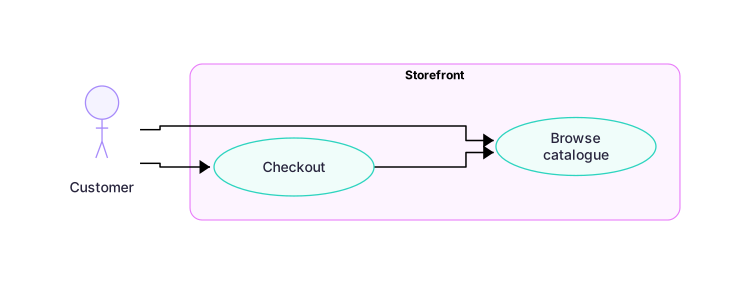 Expand diagram
The same keyword as flowcharts: TD, TB, BT, LR and RL.
usecase-beta
direction LR
actor Customer
systemBoundary Storefront
Checkout("Checkout")
end
Customer --> Checkout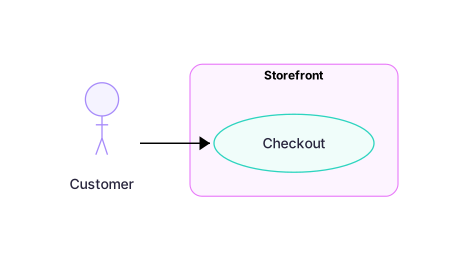 Expand diagram