
Skip to content
Mernyx
Open menu

Mermaid Quadrant Chart Cheat Sheet

Two axes, four quadrants, and the points plotted on them.

Every picture on this page was drawn byMernyx, the native Mermaid editor for macOS. Not by a browser running Mermaid.js — the same renderer the app uses for its canvas.

The two axes

x-axis and y-axis each carry the low end and the high end, with an arrow between them.

quadrantChart
    x-axis Low --> High
    y-axis Low --> High
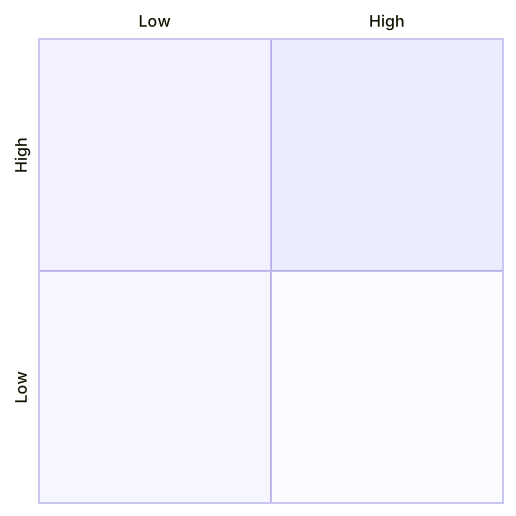
A quadrant chart with no content, its horizontal and vertical axes each labelled Low at one end and High at the other.Expand diagram

Naming the quadrants

One line per quadrant. There is no colon: the whole rest of the line is the label.

quadrantChart
    x-axis Low --> High
    y-axis Low --> High
    quadrant-1 We do
    quadrant-2 Invest
    quadrant-3 Improve
    quadrant-4 Ignore
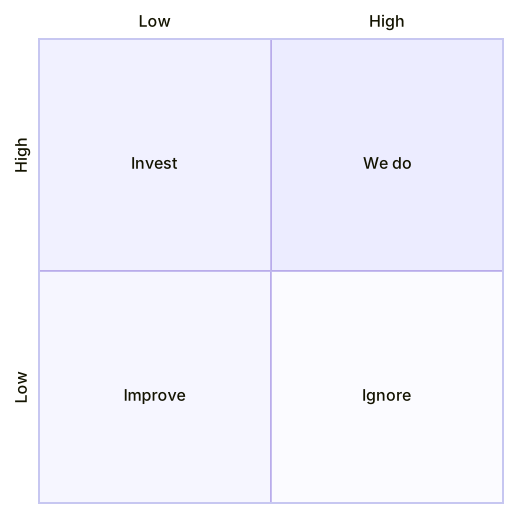
A quadrant chart with its four quadrants labelled We do, Invest, Improve and Ignore.Expand diagram

Plotting points

A point is a name and a pair of numbers, each between 0 and 1.

quadrantChart
    x-axis Low --> High
    y-axis Low --> High
    Point A: [0.3, 0.6]
    Point B: [0.75, 0.8]
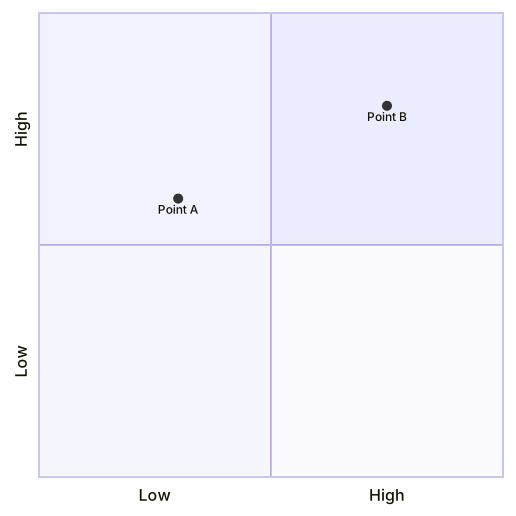
A quadrant chart with two points plotted, Point A low and to the right, and Point B high and to the right.Expand diagram

Adding a title

The title goes on its own line, before the axes.

quadrantChart
    title Reach and engagement
    x-axis Low --> High
    y-axis Low --> High
    quadrant-1 We do
    Point A: [0.3, 0.6]
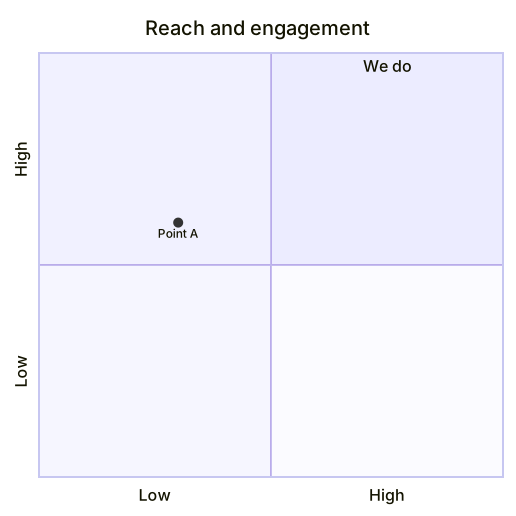
A quadrant chart titled Reach and engagement, with the We do quadrant and a single plotted point.Expand diagram

Draw it in Mernyx.

Open a .mmd file, move a node on the canvas, and the source comes with it. Native on macOS, no browser involved.

Diagram preview